Posts labeled “InDesign”
-
Missing Footnotes, Empty Table Cells, and Stale Index Pages After IDML Translation
A translated InDesign document comes back with a footnote number but no text, an empty table cell, or an index page that is blank or still in the source language. There are four questions to ask, in this order: Was…
-
How to Check a Translated InDesign File in a Language You Cannot Read
A translated InDesign file comes back from the vendor. You are responsible for it, and you cannot read it. Most of the advice I found on this question ends the same way: have a native speaker review it. That is…
-
Why IDML Formatting Can Produce Translation Tags, and What to Check in InDesign
A document goes out for translation as IDML and the translator writes back: the file is full of tags. Some segments have a tag pair around a single letter. Others have a dozen tags in one sentence. The translator asks…
-
Comparing InDesign Files After Translation: What to Check
A document goes out for translation as an InDesign file and comes back as an InDesign file. In between it went through a translation workflow: exported to IDML (InDesign's interchange format, a ZIP of XML files), split into segments, translated,…
-
Seeking Testers: Comparing IDML Files Before and After Translation
I'm developing a tool that compares two IDML files: the InDesign document you sent out for translation, and the one that came back. It runs on Windows, the current build is unsigned, and the trial is free. I plan to…
-
Where an InDesign Script Should Stop
A translated document comes back and the layout is full of overset text. Not one frame: dozens, spread across chapters, plus a handful of table cells where the German ran two lines longer than the English. A script can tighten…
-
Your Second InDesign Script: Condensing Text Until It Fits
Part 1 reported which pages contained overset text without changing the document. This post changes it: the script below lowers the horizontal scale of the selected frame's entire story, one percentage point at a time, until the overset clears or…
-
InDesign Will Not Warn You About External Links
A document opens cleanly. No red flags in the Links panel, no warnings on export. It gets zipped, copied to a shared drive, or handed off as it stands. On the other machine, images are missing — not one or…
-
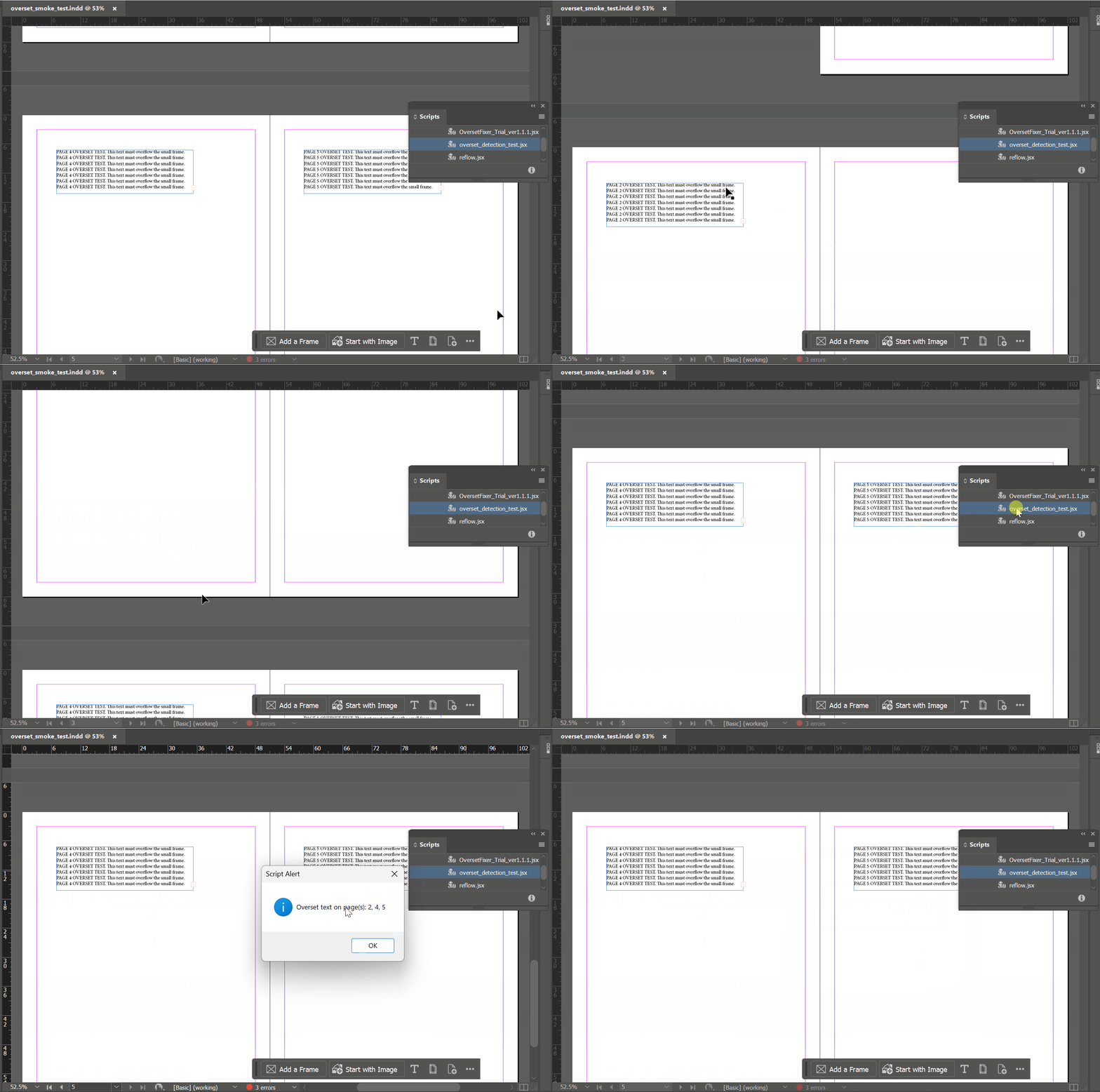
Your First InDesign Script: Which Pages Have Overset Text?
Most InDesign scripting tutorials open with a finished script. This one opens a step earlier: with the smallest useful thing a script can do, and with the decision of what to leave out of it. The goal is one dialog…