Scaling Multilingual DTP by Automating Trados-Ready IDML Export from InDesign Books
Updated September 18, 2026
Why IDML is required before translation
If you work with Trados, you already know this:
InDesign .indd files cannot be processed directly. They must be converted to .idml first.
Press Ctrl+E, choose IDML, and you’re done.
The problem starts when you receive an InDesign Book (.indb) instead of a single file.
Why InDesign Books turn this into a bottleneck
A Book file is just a container for multiple .indd files.
If a book contains 20 documents, you now have to repeat the same export process 20 times.
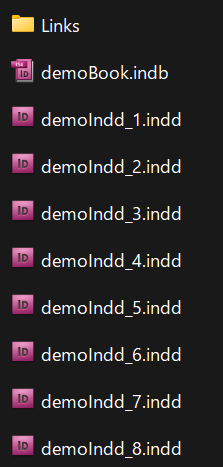
What used to take seconds becomes minutes — and in large multilingual projects, that happens for every language.
This is where a simple file format requirement quietly turns into a production bottleneck.
Why manual export does not scale
Once the number of files increases, a more dangerous problem appears: human error.
-
One file forgotten
-
One export skipped
-
One outdated IDML sent to translation
If you catch it early, you lose time.
If you notice it at delivery, you have a real problem.
This isn’t a matter of being careful.
It’s a structural issue: repetitive manual work breaks at scale.
The automation approach
The fix is straightforward:
Let InDesign do the repetitive work for you.
By using a script, you can export all open .indd files to .idml in one operation — consistently, repeatably, and without missing anything.
A simple example script
Here is a minimal version of the script I use in production.
It exports all open InDesign documents as IDML files into the same folders as the originals.
The full script file is attached to this post.
License: MIT. Use at your own risk.
This is intentionally simple.
It shows the core idea: remove humans from repetitive format-conversion tasks.
What this looks like in real production
In actual multilingual workflows, IDML export is only one step.
In practice, I run this as part of a larger automation package that also handles things like:
-
Updating linked artwork
-
Reloading paragraph and character styles
-
Reloading master pages
-
Normalizing document settings before translation
Those pieces belong in separate posts, but the principle is the same:
If a task must be done for every file and every language, it should not be done by hand.
If you haven’t seen it yet, check out our previous post on automating InDesign text overset:
→Scaling Multilingual DTP by Eliminating Manual InDesign Text Overset Fixes